
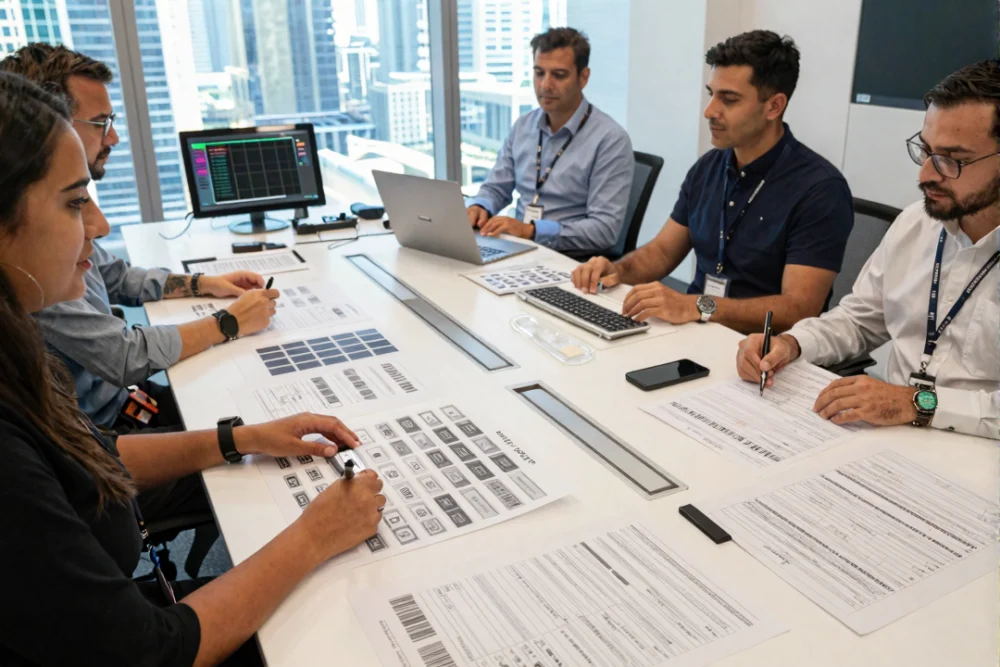
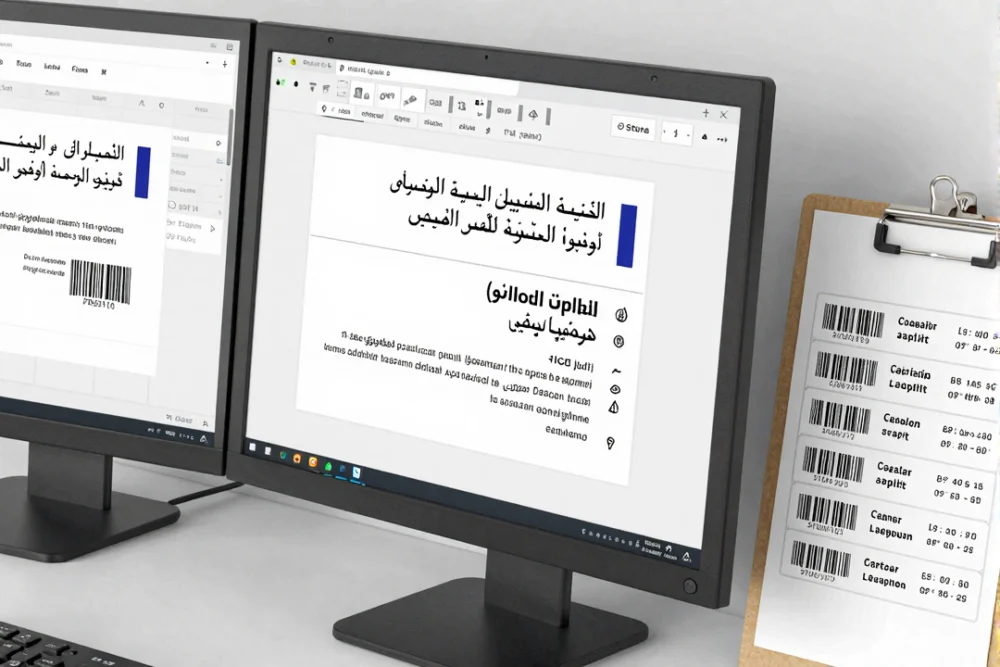
Designer checks Arabic and English label content with barcode validation
Start with a launch-ready checklist
custom label printing dubai is not just about looks; it is about choosing the right materials, print method, and production flow so your launch stays on time and compliant. You want labels that survive handling, scan correctly, and meet local rules without reprints. This guide gives you a buyer-focused checklist so you can compare vendors, align timelines, and avoid costly errors in Dubai retail.
Key Takeaways
- Match label material to the real product environment before you select a printer.
- Choose print methods based on barcode needs, color, and run size, not just price.
- Build Arabic and English compliance into the label brief from day one.
- Use proofing and barcode testing to prevent reprints and launch delays.
- Align production timelines with approvals for regulated products.
Define what the label job is and why it matters
What it is: A label job includes material selection, printer type, file setup, proofing, finishing, and delivery. It is the full chain behind label printing dubai projects.
Why it matters: If any step is weak, the label may look dull, peel off, or fail to scan. That risk grows during a launch when timelines are tight and retail shelves expect perfect execution.
How to do it: Start by naming the label’s purpose. Is it a shipping label, a product label, or a barcode asset tag? Then map that purpose to printer type and material.
What to avoid: Do not pick a printer or material before you define the label’s real-life use and handling.
- Use direct thermal printing for short-life labels like shipping or receipts.
- Use thermal transfer printing for durable product labels, barcodes, and asset tags.
- Use inkjet or digital printing for high-impact, full-color product labels.
- Confirm that printer resolution supports small text and complex graphics.
- Confirm connection options such as USB, Ethernet, or wireless to fit your workflow.
Acceptance criteria: A good setup produces crisp text at small sizes, stable color, and clean barcodes that scan on the first attempt.
Common mistake: Buyers choose a low-resolution printer to save cost. Avoid this by matching resolution to your smallest font size and barcode density.
Define Dubai label compliance before you design
What it is: Dubai and UAE labeling rules define what must appear on a label and how it must appear. These label printing requirements dubai rules impact layout, translation, and print quality.
Why it matters: Missing fields or language errors can lead to product rejection, reprints, or delays. That is costly during a launch window.
How to do it: Build a compliance checklist into your label brief and use it during proof review. Ensure Arabic and English content is complete and readable.
What to avoid: Do not treat Arabic text as an afterthought or a last-minute sticker for regulated goods.
- Include product name and brand identity in a legible format.
- List ingredients and highlight allergens where required.
- State net weight or volume in metric units.
- Include country of origin, instructions for use, barcode, batch number, and expiry date in the required format.
- Use Arabic and English on the label, and keep both legible.
Acceptance criteria: The label shows all required fields in both languages, with clear contrast and readable fonts. The expiry date uses the correct format and is easy to find.
Common mistake: Teams finalize the design in English and rush Arabic later. Avoid this by designing bilingual layouts from the first proof.
Some guidance allows Arabic translation stickers for food labels, yet other authorities often reject sticker-only solutions. Confirm with your authority and avoid sticker-only approaches for regulated items when compliance risk is high.
Critical warning: Arabic text must appear on the outer label and match the English content for required fields.
Decide on label materials based on environment and handling
What it is: Label material determines durability, adhesion, and print appearance. This choice shapes product labels dubai use for retail, storage, and transport.
Why it matters: Heat, sunlight, moisture, and abrasion can cause fading, curling, or peeling. If the label fails, the brand looks unreliable and the product may be rejected in distribution.
How to do it: Map your product’s environment and handling needs. Then select a material that survives those conditions and supports your brand look.
What to avoid: Do not pick a material based only on cost or feel.
- Choose paper for indoor use and short-term applications where cost matters most.
- Choose vinyl for outdoor exposure and UV resistance.
- Choose plastic or polyester for high-durability and long shelf life.
- Choose polypropylene for wet or humid environments that need waterproof performance.
Acceptance criteria: The label stays readable after handling, does not peel at the edges, and maintains color in the target environment.
Common mistake: Buyers ignore the storage environment. Avoid this by testing a sample on the real product under real conditions.
If you need a deeper material breakdown, use this guide: sticker printing materials in Dubai.
Decide on print methods for color, barcodes, and volume
What it is: Print methods define speed, cost, and output quality. This decision affects barcode label printing dubai projects and full-color branding needs.
Why it matters: The wrong method can slow production, weaken barcode accuracy, or make colors look flat on shelf.
How to do it: Match print method to your run size, SKU count, and data needs. Use variable data printing when each label must carry a unique barcode or QR code.
What to avoid: Do not assume one method fits every label type across your product line.
- Use digital printing for short runs, multiple SKUs, and fast changeovers.
- Use thermal printing for barcode and shipping labels that need precision.
- Use flexographic printing for large-volume orders or two-sided labels.
- Use variable data printing when you need unique codes per item.
Acceptance criteria: Barcodes scan quickly, colors are consistent across rolls, and the method matches your order size.
Common mistake: Teams skip barcode scan testing during prepress. Avoid this by requiring a barcode test print before approval.
For method comparison, see: digital printing vs. traditional.
Do a proofing and quality-control pass before production
What it is: Proofing and quality checks verify that the label prints exactly as intended. This is a core step for custom packaging printing dubai workflows.
Why it matters: Proof errors can cause reprints, wasted materials, and delays. Good proofing protects your launch timeline.
How to do it: Use a structured proofing flow, confirm technical file standards, and review the proof as if it is final.
What to avoid: Do not approve a proof without checking barcode scan quality, layout accuracy, and legibility.
- Request a PDF proof and review it as the final output reference.
- Confirm CMYK color mode, bleed lines, and die line placement.
- Outline fonts to prevent missing or substituted typefaces.
- Keep images at 300 DPI for sharp results.
- Extend bleed at least 1/16 inch beyond the die line.
- Test barcodes for scan accuracy during prepress.
Acceptance criteria: The proof matches the brand colors, barcode scans correctly, and text remains readable in both languages.
Common mistake: Buyers send files without bleed or outlined fonts. Avoid this by using a preflight checklist before submission.
For file preparation basics, see: how to set up bleed and common sticker design mistakes.
Do a timeline sync for launch readiness
What it is: You align printing timelines with internal launch plans and any required local approvals. This keeps label printing dubai schedules in sync with retail launch dates.
Why it matters: A late proof or reprint can delay shelf placement and marketing campaigns.
How to do it: Work backward from your launch date and include time for proofing, revisions, and approvals.
What to avoid: Do not plan launch dates without confirming production time and compliance steps.
- Plan for digital printing turnaround that can be as fast as 5 days under the right setup.
- For regulated items, plan for registration or approval steps that can take 10-30 days.
- Confirm whether changes after proof approval reset the production clock.
Acceptance criteria: You have a written timeline with proof deadlines, production start, and delivery date.
Common mistake: Teams approve a proof late and assume the original timeline still holds. Avoid this by confirming schedule changes after proof updates.
If you need help comparing production lead times, review: Delivery and Turnaround.
Avoid the mistakes that cause reprints and delays
What it is: These are the most common technical and compliance errors that derail label production.
Why it matters: Each mistake adds cost, time, or compliance risk, and some mistakes cause full reprints.
How to do it: Use a preflight checklist and verify each item before approval.
What to avoid: Do not assume your design software settings are correct by default.
- Missing bleed can cause white edges after trimming.
- Low-resolution images can print blurry and reduce perceived quality.
- Unoutlined fonts can change during production.
- Incorrect date formats can break compliance rules.
- Wrong unwind direction can cause upside-down application and shutdowns.
Acceptance criteria: The proof shows correct bleed, verified barcode scans, and a clear unwind direction for the applicator.
Common mistake: Teams ignore unwind direction or copy position for roll labels. Avoid this by confirming roll orientation in the proof and with your applicator.
Do a vendor brief you can copy and use today
What it is: A standard vendor brief helps you compare suppliers, reduce back-and-forth, and protect launch dates.
Why it matters: Vendors cannot quote or plan accurately without clear requirements.
How to do it: Use the template below and send it to every supplier you evaluate.
What to avoid: Do not send a quote request without compliance, barcode, and material details.
Vendor Brief Checklist Template
| Field | What to Provide | Acceptance Criteria |
|---|---|---|
| Product category | Food, cosmetics, electronics, or general retail | Matches the compliance rules for the category |
| Label material | Paper, vinyl, plastic, polyester, or polypropylene | Fits product environment and durability needs |
| Print method | Digital, thermal, or flexographic | Matches run size, color, and barcode needs |
| Barcode needs | Barcode or QR code and data variability | Prepress includes barcode scan testing |
| Language requirements | Arabic and English label content | Both languages are legible and complete |
| Compliance fields | Product name, ingredients, net weight, origin, dates, batch number | All mandatory fields appear and match the rules |
| Proofing | PDF proof approval before production | Proof matches final print output |
| Timeline | Target launch date and required delivery date | Supplier confirms turnaround time |
Acceptance criteria: The vendor confirms material compatibility, barcode testing, proofing steps, and delivery timeline in writing.
Common mistake: Buyers request quotes without specifying compliance fields or barcode testing. Avoid this by using the brief above for every supplier.
Choose a practical next step without overbuying
What it is: Your next step is a small, low-risk test order that validates material, print quality, and compliance details.
Why it matters: It builds confidence and reduces rework before a full launch run.
How to do it: Order a small batch, test durability and barcode scans, and confirm label placement on packaging.
What to avoid: Do not jump into a large run without a tested sample.
- Ask for a sample roll and verify adhesion, color, and scannability.
- Test labels on actual packaging under real storage conditions.
- Confirm label placement on the shelf-facing side.
Acceptance criteria: The label applies cleanly, scans correctly, and stays readable after handling.
Common mistake: Teams skip physical testing because the proof looks correct. Avoid this by testing a small batch on the real product.
When you need a reliable provider, options like GFX Printer can support sampling and proofing without forcing large volumes, which helps SMEs stay flexible.
If you are finding suppliers near me and want to align labels with packaging, review: custom packaging printing dubai guide and label sticker printing in Dubai.
References
- Label Printers: Understanding the Basics of Label Printing ? Complete Barcode and Labeling Solution ? 2023-12-11 ? Label Printers: Understanding the Basics of Label Printing
- Mastering UAE Product Labeling ? Product Registration UAE ? 2024-03-05 ? Mastering UAE Product Labeling
- Arabic Label Translation Rules ? Product Registration UAE ? 2025-06-25 ? Arabic Label Translation Rules
- Dubai Municipality Food Label Requirements ? Pro Partner Group ? 2026-01-03 ? Dubai Municipality Food Label Requirements
- Label Printing Process: A Step-by-Step Guide ? The Columbine Label Company Inc ? 2024-04-14 ? Label Printing Process: A Step-by-Step Guide
- How Labels are Made: Digital Printing from Design to Finished Product ? Blue Label Packaging ? 2024-07-12 ? How Labels are Made: Digital Printing from Design to Finished Product
- 6 Common Label Design Mistakes and How to Avoid Them ? Steinhauser ? 2025-06-30 ? 6 Common Label Design Mistakes and How to Avoid Them
- UAE Food Labeling Requirements: Complete Compliance Guide ? ByteBeam ? 2026-01-16 ? UAE Food Labeling Requirements: Complete Compliance Guide
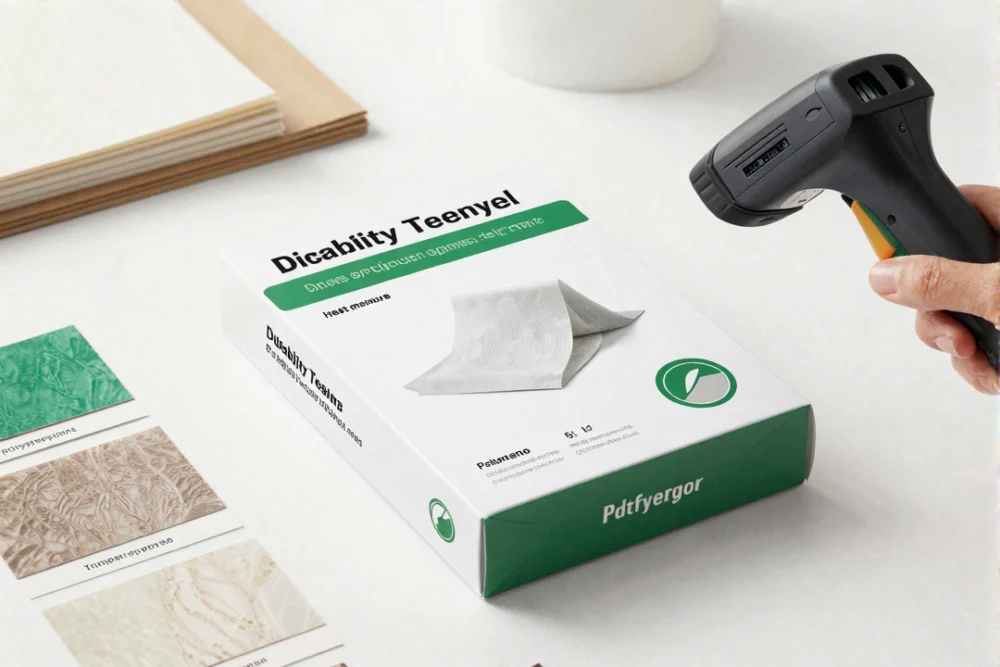
Sample packaging and material swatches ready for durability and barcode testing
Frequently Asked Questions
What types of label printers are used for product labels and barcodes?
Direct thermal printers use heat-sensitive paper and are common for shipping labels. Thermal transfer printers use ribbons and are used for product labels and barcodes because they are durable. Inkjet printers use liquid inks and work well for full-color labels. Choose based on label use, durability needs, and barcode requirements.
What information must appear on labels in Dubai and the UAE?
Labeling rules require key fields such as product name, ingredients, net weight or volume, country of origin, instructions for use, barcode, batch or lot number, and expiry date. Labels must include Arabic and English, and the text must be legible. These are core label printing requirements dubai rules and apply across many product categories.
What date format should be used on UAE product labels?
The required format is DD/MM/YYYY. Using other formats, such as month/day/year, can cause compliance issues and shipment rejection. Always confirm that the date format on the label matches the required standard before approving proofs.
How long does label printing take in the UAE?
Typical turnaround for label printing dubai ranges from 2 to 7 business days, depending on quantity, customization, and method. Digital label printing can take 5 days under the right setup. Timelines can change if artwork revisions are needed after proof approval.
Are Arabic stickers allowed on food labels in Dubai?
Requirements vary by authority. Some guidance for food labels allows Arabic translation stickers, but other guidance warns that sticker-only solutions are often rejected and that Arabic should appear on the outer label. To avoid issues, confirm the rule with the relevant authority for your product before printing.


